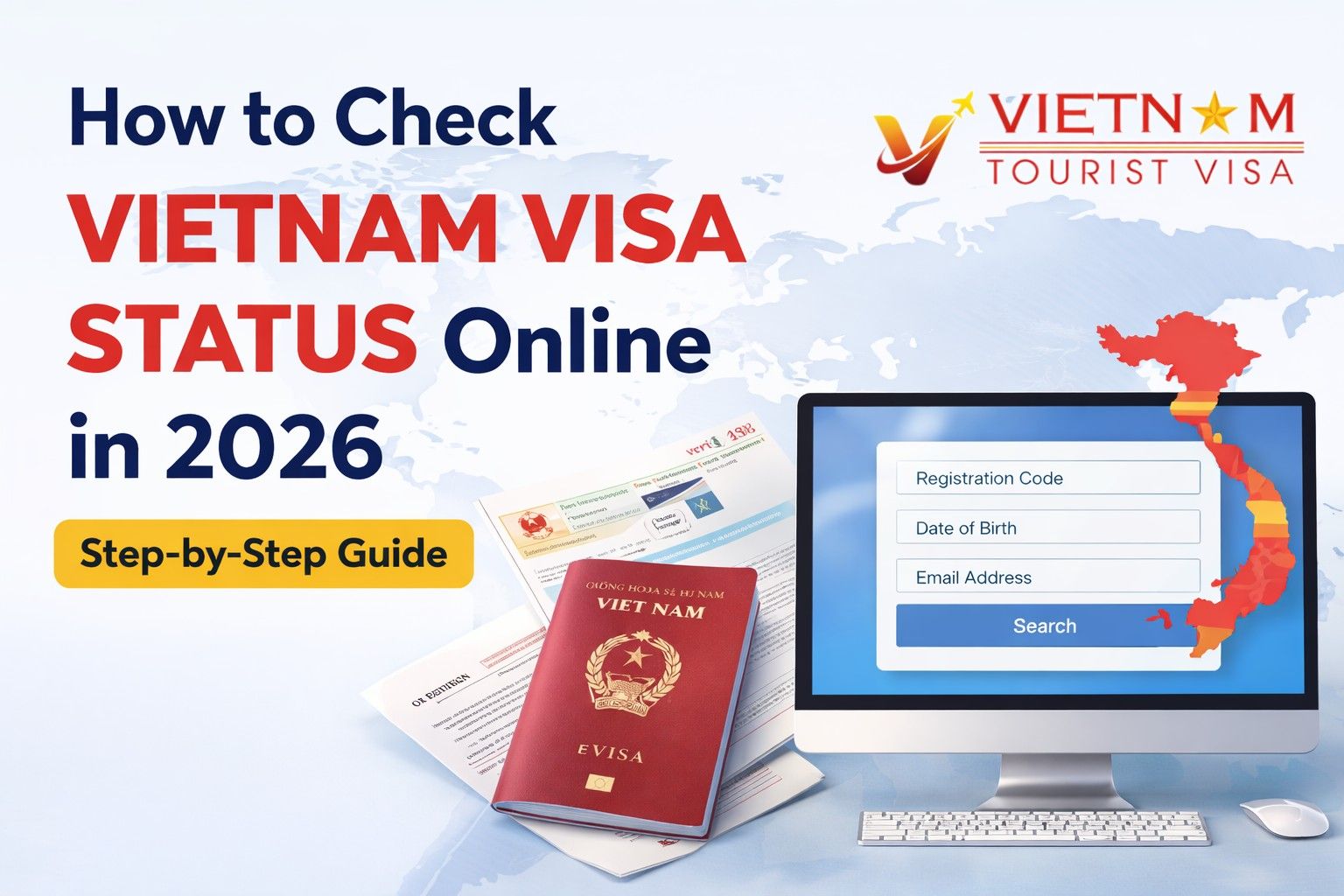
If you have already applied for a Vietnam visa, the next important step is checking your Vietnam visa status online. In 2026, the process is simple and can be done in just a few minutes through the official immigration portal.
This guide explains how to check Vietnam visa status, where to check it, common status messages, and what to do if your visa is delayed.
How to Check Vietnam Visa Status Online (Quick Answer)
To check your Vietnam visa status online in 2026:
- Visit the official Vietnam eVisa check portal.
- Enter your Registration Code.
- Enter your Email Address used during application.
- Fill in the Date of Birth.
- Click Search to view your visa status.
Your application status will appear instantly if it has been processed.
Step-by-Step Process to Check Vietnam Visa Status
1. Go to the Official Visa Check Website
Visit the official portal of the Vietnam Immigration Department where all Vietnam eVisa applications are processed.
This website allows travelers to track their application progress anytime.
2. Enter Your Application Details
You will need the following details:
- Registration Code (received after submitting the visa application)
- Email Address
- Date of Birth
- Security Code
These details help the system locate your visa application in the immigration database.
3. Click Search
After entering the information correctly, click the Search button.
You will instantly see your application status such as:
- Processing
- Approved
- Request for additional documents
- Rejected
Vietnam Visa Status Messages Explained
Processing
Your application is still under review by immigration officers. Normally processing takes 3–5 working days.
Approved
Your visa has been approved. You can download and print your eVisa immediately.
Additional Information Required
Immigration authorities may ask for corrections or additional documents.
Rejected
Your visa application was not approved. You may need to apply again with corrected information.
How Long Does Vietnam Visa Processing Take?
In most cases, the Vietnam eVisa is processed within:
- Standard processing: 3–5 working days
- Peak travel season: up to 7 working days
Processing time may vary depending on application volume and verification checks.
What to Do If Your Vietnam Visa Status Is Not Showing
If your visa status is not available online, try the following:
- Double-check the registration code
- Ensure the email address is correct
- Wait at least 3 working days
- Contact your visa service provider
Sometimes minor typing errors can prevent the system from displaying results.
Can You Check Vietnam Visa Status Without Registration Code?
No. The registration code is required to track your visa application.
If you lost the code, check your email confirmation sent after applying for the visa.
Tips to Avoid Vietnam Visa Delays
To ensure faster approval:
- Upload a clear passport photo
- Ensure your passport validity is at least 6 months
- Double-check your personal details
- Avoid submitting multiple applications
Incorrect information is one of the main reasons for visa delays.
Frequently Asked Questions
Vietnam Tourist Visa – Frequently Asked Questions help travelers understand tour types, activities, timings, safety tips, booking process, and best travel experiences.
Leave a Comment